Business Logo Makers: Free Tools vs. Professional Design
Business logo makers can give you a quick logo, but learn when DIY tools fall short and professional design pays off. Get expert guidance today.
Business logo makers are online tools that let small-business owners design a logo in minutes, usually by picking a template, icon, and font combination rather than starting from a blank page. For many Albany-area entrepreneurs working on a tight budget, these tools feel like the obvious first stop before hiring a designer. However, a fast logo is not always a brand-ready logo, and knowing the limits of DIY logo tools can save you time and money down the road.
Short answer: business logo makers are fast, low-cost tools for generating a basic logo without design experience. They work well for quick starts and side projects, but most small businesses eventually outgrow the generic results and need a logo tied to real brand strategy and a website built to support it.
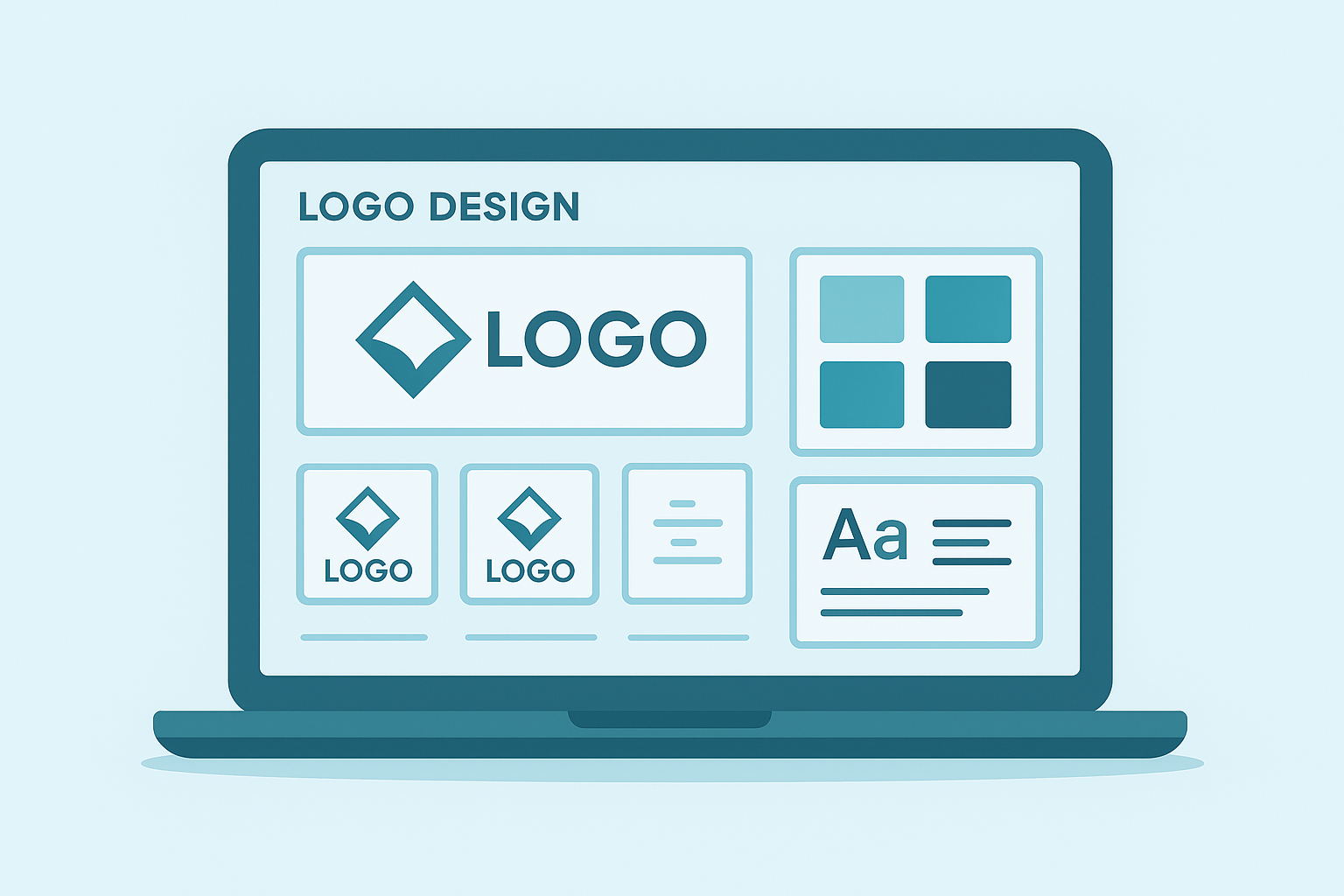
Business logo makers typically present a grid of pre-built templates you can customize.
What Are Business Logo Makers?
Business logo makers are software platforms, usually web apps, that generate logo designs from a library of icons, fonts, and layout templates. Specifically, you typically answer a few questions about your business name and industry, and the tool shows you a grid of auto-generated options to tweak.
In particular, most logo maker platforms use rule-based or AI-assisted systems to pair icons with your business name. As a result, two completely different businesses in the same industry can end up with similar-looking logos, because the underlying icon library is shared across thousands of users.
Popular examples include Canva, Looka, Hatchful, and Wix Logo Maker. According to Wikipedia's overview of logo design, a logo is meant to create immediate public recognition of an organization — something that's harder to achieve when the icon was pulled from a stock library used by competitors.
For a simple side hustle or a placeholder while you plan a bigger rebrand, that trade-off might be acceptable. For a business trying to stand out from local competitors, in contrast, it's a bigger risk.
How Logo Design Tools Work: A 5-Step Process
Most logo design tools, including the business logo makers listed above, follow a similar workflow. Understanding the steps can help you decide whether a logo maker fits your timeline, or whether you'd rather hand the project to a professional from the start.
- Enter your business name and industry. The tool uses this information to suggest relevant icons and font pairings, though suggestions are pulled from a shared library rather than created specifically for your brand.
- Choose a starting template. You'll scroll through a grid of auto-generated logo concepts and pick the one that feels closest to the look you want.
- Customize colors, fonts, and layout. Most platforms let you swap the icon, adjust the color palette, and resize elements, though customization is usually limited to what the template allows.
- Download your logo files. Free plans often only provide a low-resolution PNG, while paid tiers unlock vector files such as SVG or EPS that scale cleanly for signage and print.
- Apply the logo across your website and materials. This step is where many small businesses run into trouble, because a logo that looks fine on its own can clash with an outdated or broken website layout.
Reviewing logo options is only the first step toward a brand that actually performs online.
DIY Logo Tools vs. Professional Branding
Business logo makers can be a reasonable starting point, but they aren't always the right long-term fix. For instance, the U.S. Small Business Administration estimates there are more than 33 million small businesses operating in the United States, and a large share of them compete directly with other small businesses using the same handful of free design tools. Consequently, a generic icon-and-font combination can make it harder to stand out, even if the logo itself looks clean.
In addition, free logo makers rarely account for how a logo will actually be used. A mark that looks sharp on a laptop screen might become unreadable at business-card size, or pixelated when it's needed for a vehicle wrap. Specifically, vector file formats such as SVG are built to scale without losing quality, something MDN Web Docs explains in detail, but many free logo maker exports skip that format entirely.
Above all, a logo is only one piece of a brand. Similarly, a polished logo attached to a slow, broken, or confusing website can still cost you customers. If your contact form doesn't work or your site looks wrong on a phone, a better logo won't fix that underlying problem.
Choosing the Right Logo Design Tool for Your Business
If you decide a logo maker is the right call for now, a few features matter more than others. Therefore, before committing to a paid plan, check whether the tool offers the following:
- Vector file exports (SVG, EPS, or PDF) so the logo scales cleanly
- Full ownership rights to the final design, not just a license to use it
- Enough color and font customization to avoid an obviously templated look
- Transparent background files (PNG) for use on different backgrounds
In particular, ownership rights deserve a closer look. Some free logo makers only grant a limited license until you upgrade to a paid tier, which can be a problem if you've already started using the logo on signage or packaging. Similarly, always test how your new logo looks on your actual website before finalizing anything, since colors and layouts can render differently once placed next to live content.
How JMB Creative Supports Your Brand Beyond the Logo
A logo is a small piece of a much bigger picture: your actual website. Specifically, jmbcreative.org, serving small businesses across Albany and the Capital Region, often hears from business owners who made their own logo but still have a website that isn't working for them. As a result, the two problems get treated separately rather than bundled together as one forced package.
For example, if your contact form stopped working after a plugin update, or your mobile layout is unreadable, the Website Rescue service addresses those specific issues for a flat fee, with a written scope and a backup taken before any changes go live. You can review the full approach to custom branding on the web design services page, or see current offerings at jmbcreative.org.
In contrast, if your current site can't support your business at all, regardless of how good your new logo looks, a custom rebuild is quoted separately rather than folded into a repair scope. Furthermore, businesses that rely on video content for marketing can also explore AI video creation services to pair a refreshed brand with modern content. Above all, the goal is the same whether you used a free logo maker or hired a designer: a site that actually works for the people who visit it. You can request a consultation to go over what your site specifically needs.
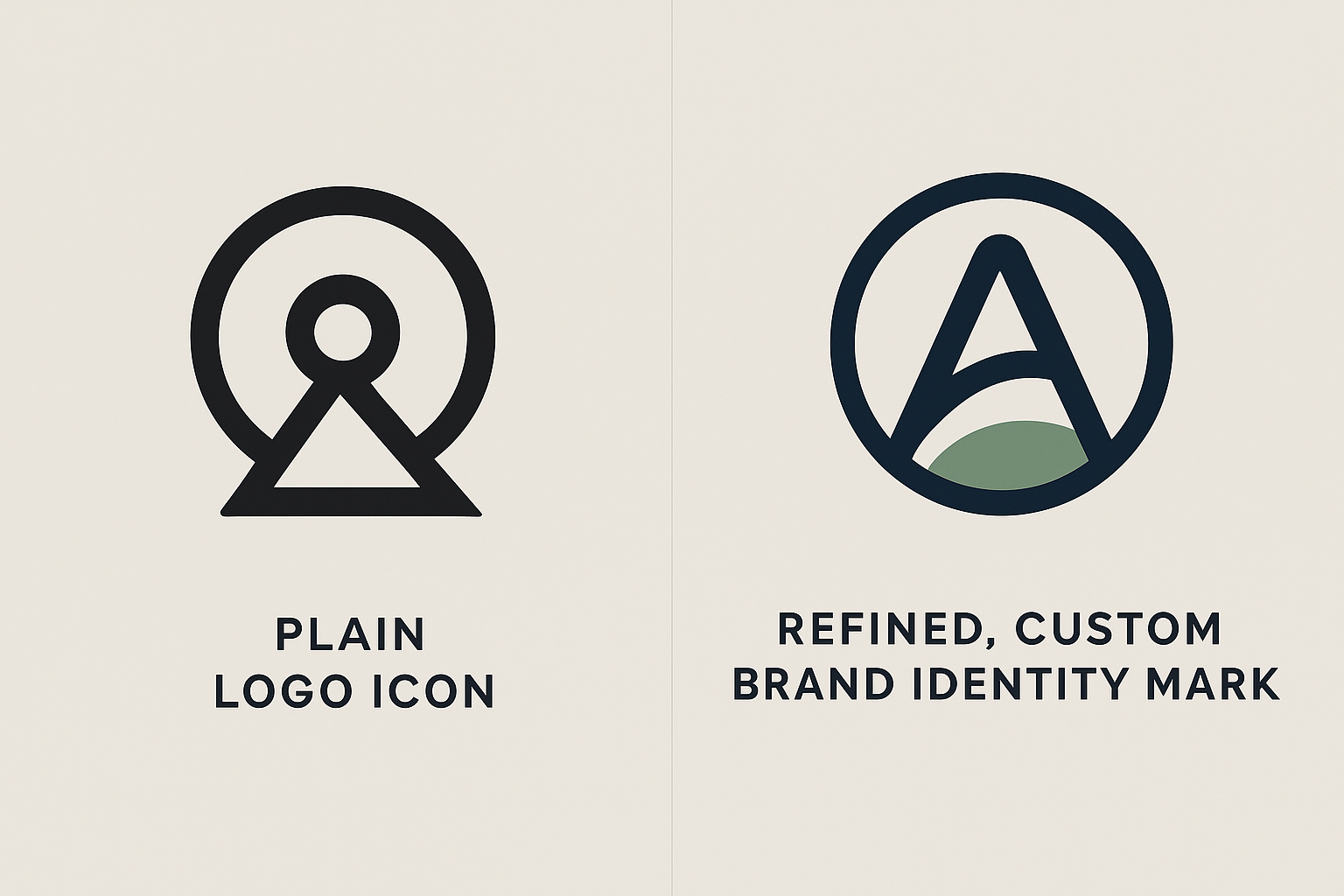
Generic logo-maker output next to a refined, custom-branded mark shows the visible difference in distinctiveness.
Frequently Asked Questions About Business Logo Makers
What are business logo makers?
Business logo makers are online design tools that generate a basic logo from templates, icons, and fonts based on your business name and industry. They are built for speed, not deep brand strategy, so results are often generic compared to custom design work.
How do business logo makers work?
Most tools ask for your business name and industry, then generate a set of auto-generated logo options you can customize. You typically adjust colors, fonts, and icon placement within the template's built-in limits.
Are business logo makers free to use?
Many offer a free preview, but usable, high-resolution, or vector files are usually locked behind a paid plan. As a result, a free logo maker can still cost $20 to $100 or more once you need a print-ready file.
How long does it take to create a logo with a logo maker?
Most logo makers can produce a usable result in under 15 minutes. However, refining colors, fonts, and layout to avoid a templated look can take considerably longer.
What file formats do logo makers provide?
Free tiers typically export a low-resolution PNG, while paid plans add vector formats such as SVG, EPS, or PDF. Vector files scale without losing quality, which matters for signage and websites.
Can I trademark a logo made with a business logo maker?
It depends on how unique the design actually is, since trademark protection generally requires distinctiveness. If your icon comes from a shared stock library used by many other businesses, it may not qualify for strong protection.
What's the difference between business logo makers and professional logo design?
Logo makers assemble pre-made elements quickly and affordably, while a professional designer builds a mark around your specific brand, competitors, and audience. Professional design typically produces a more distinctive result, though it costs more and takes longer.
What are common mistakes people make with logo makers?
A common mistake is picking an icon that's also used by other businesses in the same industry, which weakens recognition. Another is downloading only a low-resolution file and later struggling to print or resize the logo.
When should I hire a professional instead of using a logo maker?
If your business is growing, facing local competition, or investing in signage and marketing, a professional logo is usually worth it. Similarly, if your website already has bigger problems like broken forms, fixing those matters more than the logo.
Do business logo makers create unique logos?
Not always. Because most tools draw icons and layouts from a shared library, similar-looking logos can appear across unrelated businesses in the same category.
How much does professional logo design cost compared to a logo maker?
Logo makers typically range from free to around $100 for a final file package, while professional design can range from a few hundred to several thousand dollars depending on scope. The right choice depends on your budget and how important distinctiveness is to you.
Do I own the rights to a logo made with a free logo maker?
Usage rights vary by platform, and some tools only grant a limited license until you upgrade to a paid tier. Therefore, it's worth reading the terms of service before using a free logo maker result commercially.
What should I look for in a good business logo maker?
Look for vector file exports, full ownership rights, and enough customization to avoid an obviously templated design. In addition, check how the final logo actually looks on your website before committing to it.
Is a new logo enough, or do I also need website updates?
A new logo alone won't fix a broken contact form, a confusing layout, or outdated content. For that reason, pairing a logo refresh with a focused website review often delivers a bigger improvement than the logo change alone.
Does JMB Creative help businesses after they use a logo maker?
Yes. JMB Creative reviews existing small-business websites in the Albany and Capital Region area and offers a scoped Website Rescue service to fix broken forms, mobile layout issues, and outdated content, whether or not the logo itself came from a logo maker.
Final Thoughts
In summary, business logo makers can get you a usable logo fast, and for many small businesses, that's exactly what's needed to get started. However, these tools have real limits — generic templates, restricted file formats, and little connection to how your logo will actually perform on your website. Therefore, treat a logo maker as a starting point rather than a finish line, and revisit your overall website whenever a new logo reveals how outdated or broken your current site has become. If that's where you are, a scoped Website Rescue or a properly planned custom site can make sure your new logo is actually working for you.