
Branding Kit Guide for Small Businesses in Albany, NY
A branding kit keeps your website, logo, and colors consistent. Learn what to include, then request a consultation with JMB Creative in Albany.
A branding kit is the organized bundle of logo files, color codes, fonts, and usage rules that keeps a small business looking like the same business everywhere it shows up — on a website, a business card, an invoice, or the side of a service van. For many small businesses across Albany and the Capital Region, a branding kit is the single missing piece between a site that feels unfinished and one that feels trustworthy the moment a visitor lands on it. This guide goes further than a basic definition: it covers what belongs in a complete branding kit, shows real examples of how consistency plays out in practice, walks through a step-by-step build process, and explains how a branding kit connects directly to website repair and custom web design decisions.
Quick answer: A branding kit is a small, organized collection of a business's logo files, brand colors, fonts, and basic usage rules. Designers, developers, and marketers rely on it to keep every page, printed piece, and social profile looking like it belongs to the same company — without guesswork.
What Is a Branding Kit, Exactly?
At its core, a branding kit is a compact package of the visual assets a business needs to look consistent anywhere it appears, whether that's online or in print. At minimum, it includes a primary logo, two or three brand colors, and one or two approved fonts. In addition, a thorough kit lists the exact color codes — HEX for websites, RGB for screens, and CMYK (the four-color system printers use to reproduce color on paper) — so colors never drift from one project to the next.
According to Wikipedia's overview of brand identity, visual consistency is one of the main factors that helps customers recognize and trust a business over time. Therefore, a branding kit is not just a folder of design files sitting on a hard drive — it is a practical, working tool that protects how recognizable a business looks as it grows, hires new vendors, or expands into new services.
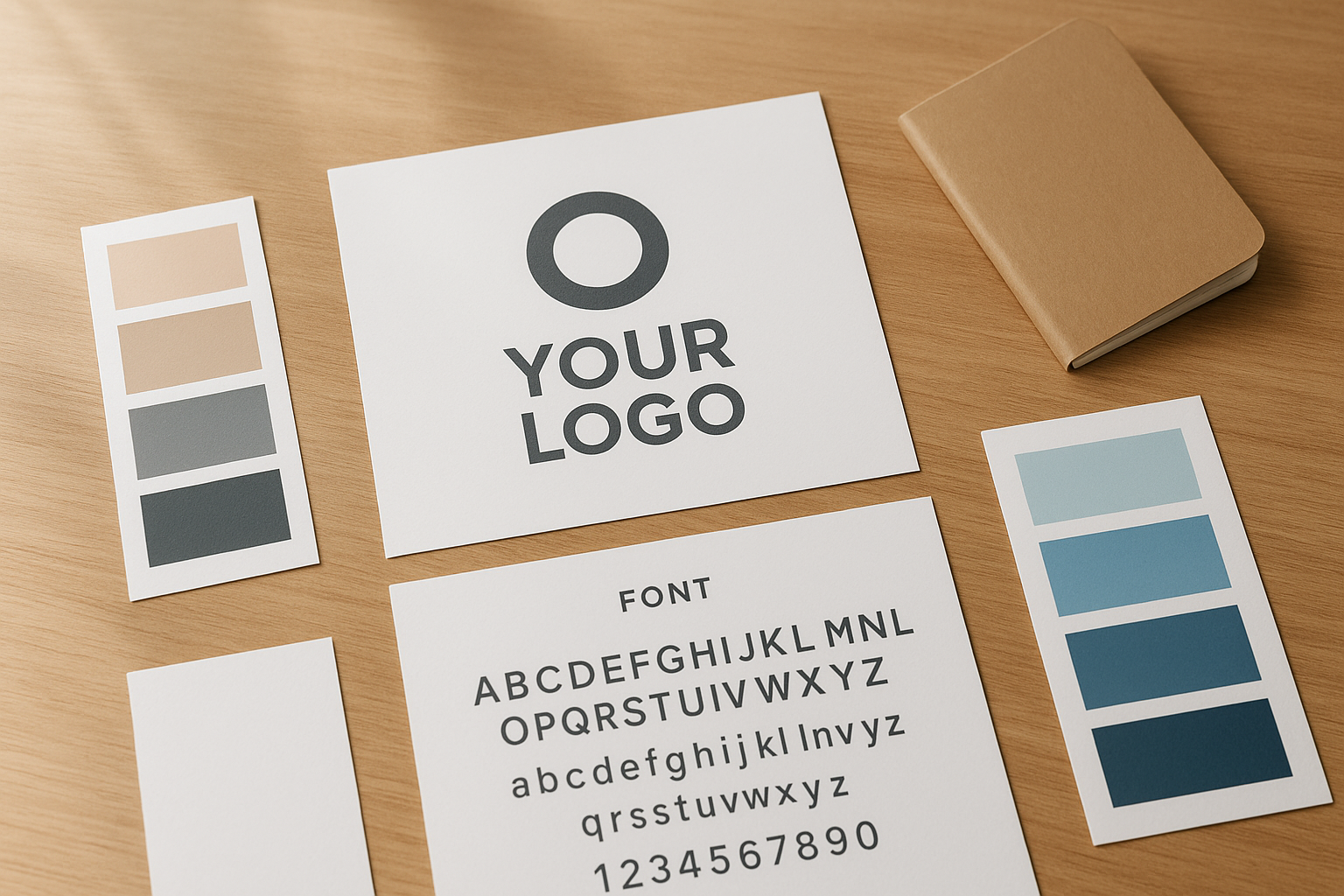
A complete branding kit organizes logo files, color swatches, and font samples so a small business looks the same everywhere it appears.
Branding Kit vs. Brand Style Guide vs. Brand Identity: Clearing Up the Confusion
These three terms get used interchangeably, but they are not quite the same thing. Specifically, a branding kit is the actual set of files — logos, color swatches, font files. A brand style guide, in contrast, is the document that explains how to use those files correctly: spacing rules, approved color pairings, and tone of voice. Meanwhile, brand identity is the broader concept — the overall impression a business creates through its visuals, messaging, and customer experience combined.
In practice, a small business needs both the files and the rules. A logo alone cannot tell a new designer which blue is correct or how much empty space should surround it. Consequently, the most useful branding kits bundle the assets and the guidance into one shareable package, rather than scattering them across old email threads and random folders.
Why Every Small Business Needs a Branding Kit
A branding kit matters most at the exact moment a website gets repaired or rebuilt. Specifically, when a contact form, mobile layout, or outdated page gets fixed, whoever is doing the work needs to know which colors, fonts, and logo files are correct. Without that reference, fixes can accidentally introduce new inconsistencies, such as a slightly different blue or an outdated logo mark that quietly reappears on a new page.
Furthermore, a recognizable identity directly affects how customers judge trustworthiness. A clear, consistent identity helps customers remember a company and choose it again later. In contrast, a site with mismatched fonts or colors across different pages can quietly undercut that trust, even when the content itself is accurate and genuinely helpful.
For businesses considering a redesign, pairing a branding kit with a review of unclear calls to action often solves two problems at once: inconsistent visuals and confusing offers that leave visitors unsure what to do next.
What's Inside a Complete Branding Kit
A complete branding kit should answer every visual question a designer or developer might have, before they even need to ask it. Below is what a reasonably thorough kit should contain.
- Primary and secondary logo files in vector format — a scalable image type that stays sharp at any size — such as SVG or EPS, plus transparent PNG versions for everyday use.
- Exact color codes in HEX, RGB, and CMYK for every brand color, including accent colors, so nothing gets picked "by eye" later on.
- Approved fonts with exact names, weights, and clear notes on where each one belongs — headlines versus body text.
- Logo usage rules, such as minimum size, clear space, and backgrounds the logo should never sit on.
- Basic tone-of-voice notes describing how the business should sound in writing — formal, friendly, or direct.
- Supporting visual elements such as icon styles, patterns, or photography guidelines, so imagery feels like part of one system rather than stock photos picked at random.
- Social media templates sized correctly for profile images, cover photos, and post graphics, so every platform looks like it belongs to the same brand.
As a result, anyone touching the website — whether a designer building a new page or a developer fixing a broken form — can match the existing brand instead of guessing at it.
Branding Kit Examples: What Consistent Brands Do Differently
Looking at strong branding kit examples helps make all of this concrete. Large, recognizable brands such as Slack, Mailchimp, and Spotify are often cited as branding kit examples precisely because the same colors, type treatments, and logo marks hold up across a website, a mobile app, an email, and a printed conference banner. Notably, none of them rely on a single polished mockup — the system works everywhere it gets used.
A small business does not need that scale to apply the same principle. For example, picture a local home improvement contractor in Albany with a branding kit that specifies a dark green and a warm gray, paired with one bold sans-serif headline font. That same contractor can then apply those exact values to a work van wrapped in vinyl, a printed estimate sheet, and the homepage of their website — and every touchpoint reads as the same trustworthy business. In other words, the best branding kit examples are not about having an expensive logo; they are about proof that a simple system holds together under real, everyday use.
Similarly, a well-built branding kit example usually shows restraint: two or three core colors rather than six, one headline font rather than four, and a short list of rules rather than a fifty-page manual nobody reads. Above all, simplicity is what makes a kit usable by an actual small business team, not just by a design department.
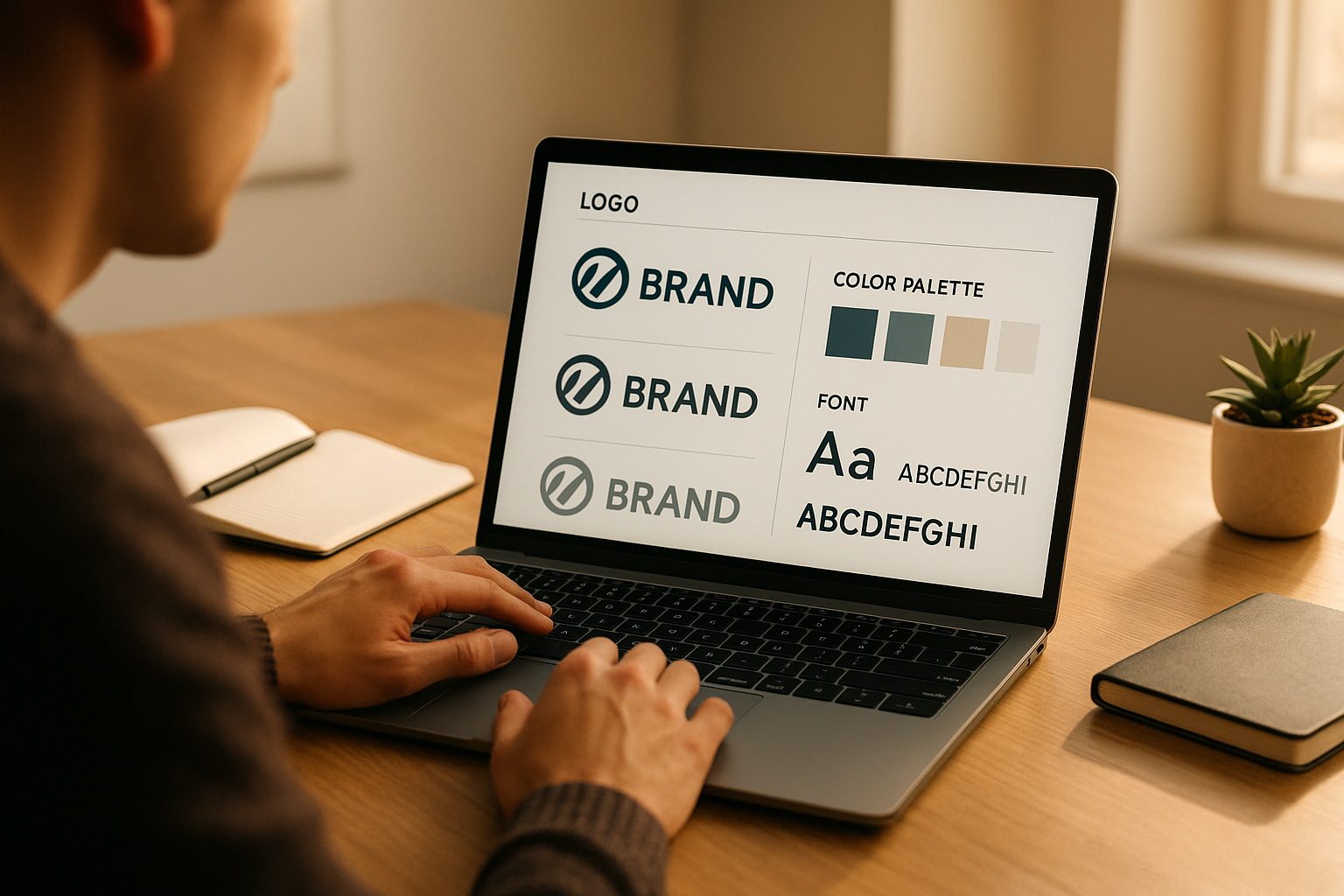
Reviewing a brand style guide helps confirm which logo, colors, and fonts a website redesign should follow.
Branding Kit vs. Website Rescue: Which Comes First?
A common question from Albany business owners is whether to fix branding or fix the website first. In most cases, a scoped repair should come first if the site has specific broken elements, such as a contact form that fails to send messages or a mobile layout that cuts off text. A detailed look at the best website repair service options for small businesses in Albany explains how a focused rescue differs from a full rebuild.
However, if the deeper problem is that the site looks outdated or inconsistent on nearly every page, a branding kit built alongside a custom web design project usually makes more sense than repeated small fixes. JMB Creative's owner-led process starts with a backup and a written scope either way, so businesses always know what is included before work begins. Similarly, a solid branding kit pairs well with a cohesive SEO strategy, since consistent branding and clear page structure tend to reinforce each other.
How to Build a Branding Kit in 7 Steps
Building a usable branding kit does not require a large agency budget. The following seven steps outline a practical, realistic path for most small businesses.
- Audit your current brand assets. Collect every version of your logo, every color used on your website and signage, and every font currently in use so you can see what already exists before deciding what to keep.
- Define your audience and brand personality. Write a short description of who you serve and how you want them to feel — reliable, friendly, premium — since this guides every color and font decision that follows.
- Choose your primary and secondary colors. Pick two or three main colors plus one or two accent colors, then record the exact HEX and RGB codes so every future designer uses the identical shades.
- Select brand fonts. Choose one font for headlines and one for body text that are both readable on mobile screens, then write down the exact font names and available weights.
- Finalize your logo files and variations. Save your logo as a vector file plus transparent PNG versions in full color, white, and black so it displays correctly on any background or printed document.
- Create supporting visual elements. Decide on a simple icon style, pattern, or photography approach so imagery across your site and marketing feels like one connected system rather than mismatched stock photos.
- Write usage guidelines and compile everything. Document basic rules such as minimum logo size, clear space, and approved color combinations, then save every file and rule into one shared, easy-to-find folder.
Tools such as Canva's brand kit guide can help a business owner draft a starter version before handing it to a professional designer for refinement. Above all, having something written down — even an imperfect first draft — beats having nothing documented at all.
Branding Kit Tools and Templates Worth Considering
Beyond Canva, several other tools can help a business assemble or manage a branding kit. For instance, Adobe Express offers simple drag-and-drop templates for logos and social graphics, while Figma allows designers to build a shared, collaborative style guide that a whole team can reference at once. For larger organizations juggling multiple locations or franchises, dedicated brand management platforms like Frontify centralize every file and rule in one searchable library.
That said, the tool matters far less than the discipline of keeping it updated. A branding kit built in a free template but reviewed every year is more useful than an expensive system nobody opens after the first month. Therefore, before investing in software, most small businesses are better served by first nailing down the content of their kit — the colors, fonts, and rules — and worrying about the storage tool second.
Common Branding Kit Mistakes Small Businesses Make
Several recurring mistakes show up when a branding kit is missing or incomplete. For example, many businesses only have their logo saved as a low-resolution JPEG, which looks blurry when enlarged for a banner or signage. Similarly, colors often get picked by eye rather than recorded as exact codes, so a page built last year rarely matches a page built this year.
In particular, businesses that have worked with multiple web developers or agencies over time, such as those described in JMB's work on website repair and custom design projects, often end up with two or three slightly different logo versions floating around. Consequently, cleaning up a branding kit during a website repair or redesign is one of the most efficient ways to prevent that problem from repeating itself.
Two additional gaps are easy to miss. First, businesses often forget to save a square, simplified version of their logo for use as a website favicon — the small icon shown in a browser tab — which can look cluttered if it's just a shrunk-down full logo. Second, few kits include correctly sized social media templates, which leads to stretched or cropped logos on profile images across different platforms.
Legal consistency matters too. Once a logo and name are finalized, many businesses look into registering a trademark through the U.S. Patent and Trademark Office to protect that identity, though this is a separate legal step from building the design files themselves.
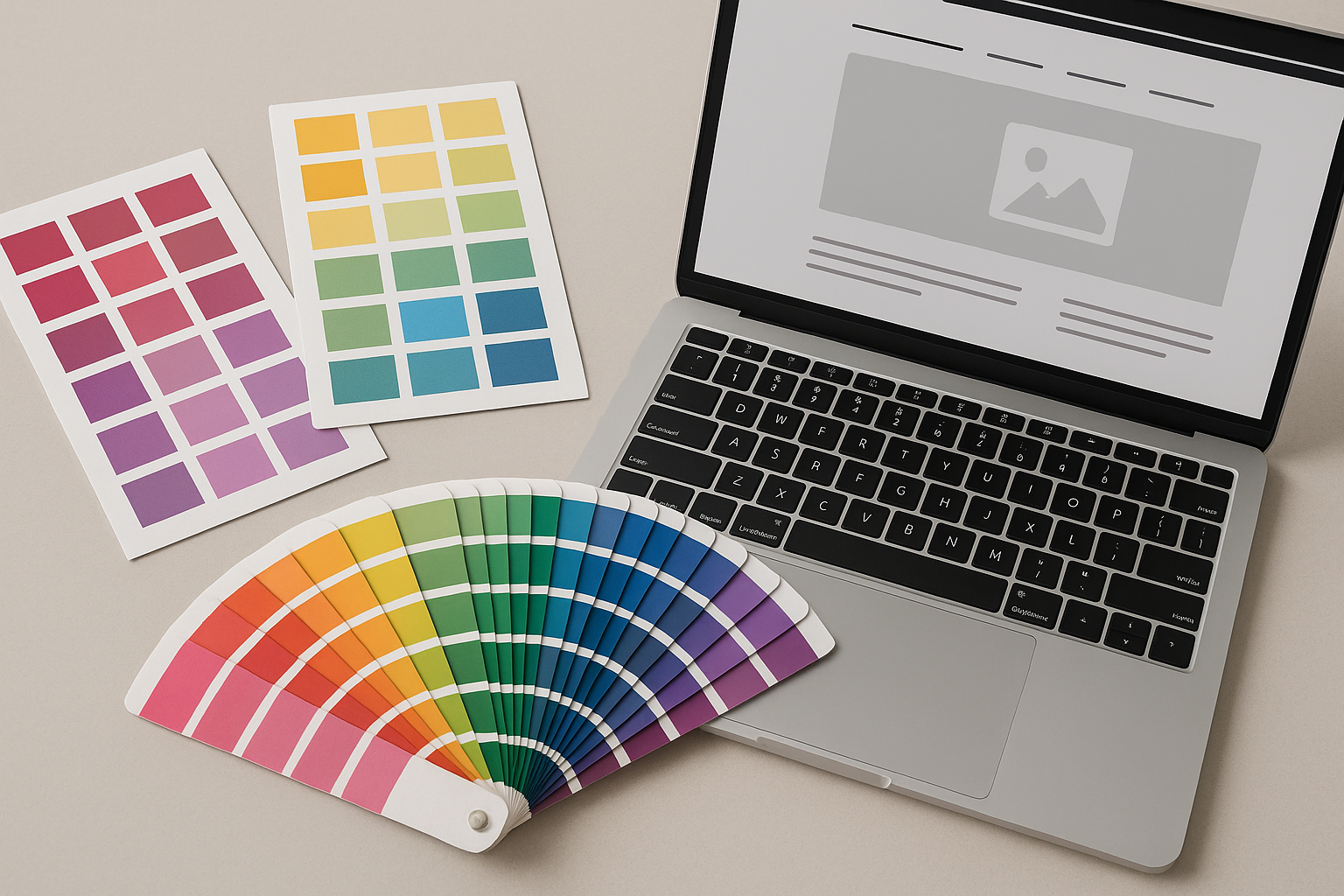
Matching exact brand colors to a website mockup is one of the final checks in a branding kit project.
Keeping Your Branding Kit Consistent Across Every Platform
A branding kit only earns its value once it's actually applied everywhere a business shows up, not just on the homepage. Specifically, that means checking the logo and colors on the website, social profiles, email signatures, printed invoices, and any physical signage all at once, rather than updating one and forgetting the rest.
A simple quarterly check works well for most small businesses: open each platform, compare it against the branding kit, and note anything that drifted. As a result, small inconsistencies get caught early, before a customer notices that the Facebook page still shows last year's logo while the website shows the new one.
Frequently Asked Questions About Branding Kits
What is a branding kit?
A branding kit is an organized set of logo files, brand colors, fonts, and usage rules that a business uses to stay visually consistent across its website, print materials, and social media. It typically includes a primary logo, color codes, approved fonts, and basic do's and don'ts for using them.
Why does a small business need a branding kit before a website redesign?
Without a branding kit, a designer has to guess at colors, fonts, and logo versions, which often leads to inconsistent pages and rework. Having one ready before a redesign speeds up the project and keeps every page looking like it belongs to the same business.
What's the difference between a branding kit and a brand style guide?
A branding kit is the actual files, such as logo images, color swatches, and fonts. A brand style guide is the document that explains how to use those files correctly, including spacing rules, approved color combinations, and tone of voice.
How much does a branding kit cost for a small business?
Costs vary widely, from a few hundred dollars for a simple logo and color palette to several thousand for a full identity system with multiple logo variations and detailed guidelines. Most small businesses in Albany can get a usable starter kit for a modest, clearly scoped price.
How long does it take to build a branding kit?
A basic branding kit can often be finished in one to two weeks once colors, fonts, and logo files are approved. More complex projects with multiple stakeholders or industries, such as home improvement companies, can take four to six weeks.
What file formats should be included in a branding kit?
A complete branding kit should include vector files such as SVG or EPS for the logo, plus PNG versions with transparent backgrounds for web use. It should also list exact color codes in HEX and RGB, along with font names and weights.
Can JMB Creative help build a branding kit during a Website Rescue?
Website Rescue is scoped specifically for repairs like broken contact forms, mobile layout issues, and outdated content, not full branding work. However, if a site review shows that inconsistent branding is part of the problem, JMB can recommend a separately scoped branding or custom web design project.
What common mistakes do small businesses make with their branding kit?
The most common mistakes are using a logo saved only as a low-resolution JPEG, picking colors without recording the exact codes, and never writing down which fonts are approved. As a result, every new page or printed piece ends up looking slightly different.
Do I need a trademark before creating a branding kit?
No, a trademark is a legal protection and a branding kit is a design asset, so they solve different problems. Many businesses build their branding kit first, then register a trademark once the logo and name are finalized.
What's the difference between a logo and a full branding kit?
A logo is a single graphic mark, while a branding kit includes the logo plus the colors, fonts, and usage rules that support it everywhere else. In other words, the logo is one piece of a much larger system.
How often should a branding kit be updated?
Most small businesses can use the same branding kit for three to five years without major changes. In contrast, a refresh may be worth considering sooner if the business changes its services, merges with another company, or the current look feels outdated.
Can a branding kit fix inconsistent colors and fonts across my website?
A branding kit provides the correct colors and fonts, but someone still has to apply them to the website itself. This is often handled through a scoped repair, such as JMB's Website Rescue, or a larger custom design project.
What should I do if my website doesn't match my branding kit?
Start by listing every page where colors, fonts, or the logo look wrong, then share that list with whoever maintains the site. For many small businesses, this kind of focused cleanup fits within a scoped repair rather than a full rebuild.
Is a branding kit necessary for a custom website design project?
Yes, a branding kit is strongly recommended before starting a custom website design project. Without one, the designer has to make branding decisions on the fly, which can slow down the project and lead to revisions later.
Who should create my small business's branding kit?
A graphic designer or a web design firm with branding experience can typically build a complete branding kit. Business owners can also start with a simple version using tools like Canva, then have a professional refine it before launch.
Should a branding kit include social media templates?
Yes, many modern branding kits include ready-to-use templates for social media posts, stories, and cover images so posts look consistent without starting from scratch each time. This is especially useful for small businesses that post frequently but do not have an in-house designer.
What makes a branding kit example worth following?
A strong branding kit example shows the same logo, colors, and fonts working cleanly across very different formats, such as a website header, an email signature, and a printed sign. In other words, the best examples prove the system holds up everywhere it's used, not just on a single polished mockup.
Final Thoughts on Building a Branding Kit
In the end, a branding kit is a practical tool, not a luxury reserved for large companies. It gives every future designer, developer, or marketing effort a clear reference for logos, colors, fonts, and basic usage rules. Consequently, website repairs and redesigns move faster and look more consistent once that reference exists — and the branding kit examples above show exactly why that consistency pays off.
For small businesses in Albany and the Capital Region, pairing a solid branding kit with a scoped project — whether that's a focused Website Rescue or a full custom build — tends to produce the most reliable results. Therefore, business owners who are unsure where to start should request a consultation through JMB Creative to review their current site and decide what level of work actually makes sense.
